
Download StylePix
You can download StylePix in the following URLs: Official supported languages: Instructions
Hornil StylePix

You can download StylePix in the following URLs: Official supported languages: Instructions
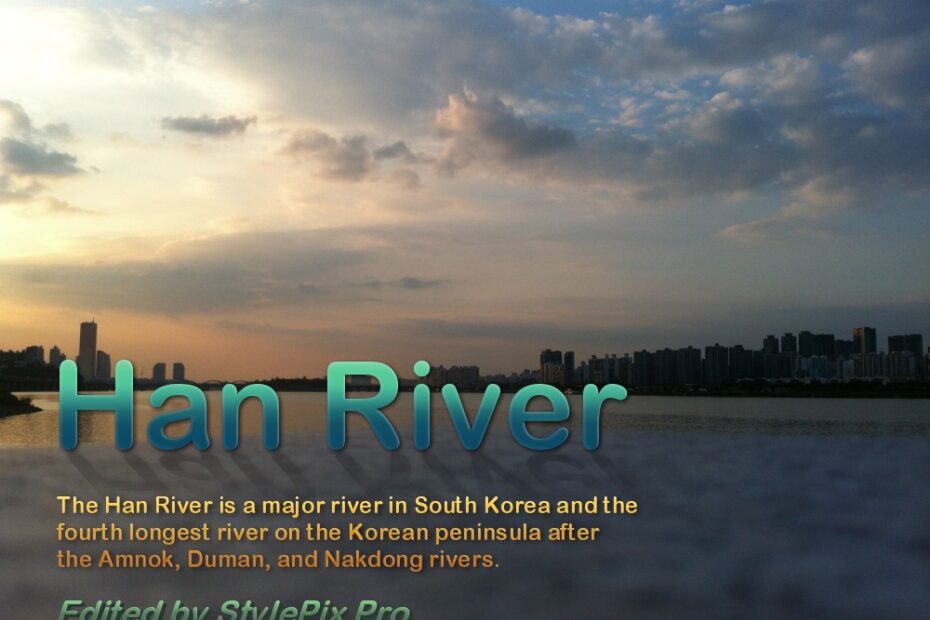
The Han River is a major river in South Korea and the fourth longest river on the Korean peninsula after the Amnok, Duman, and Nakdong rivers.[1] Along the banks of the river, especially in Seoul, pedestrian walkways and bicycle paths… Read More »Han River

Hi, thanks for the great lightweight software. I tried to add some text to the canvas and make it look vertical without changing each letter’s direction, by now that’s seems not quite easy. Is there any plan for vertical text… Read More »vertical text align
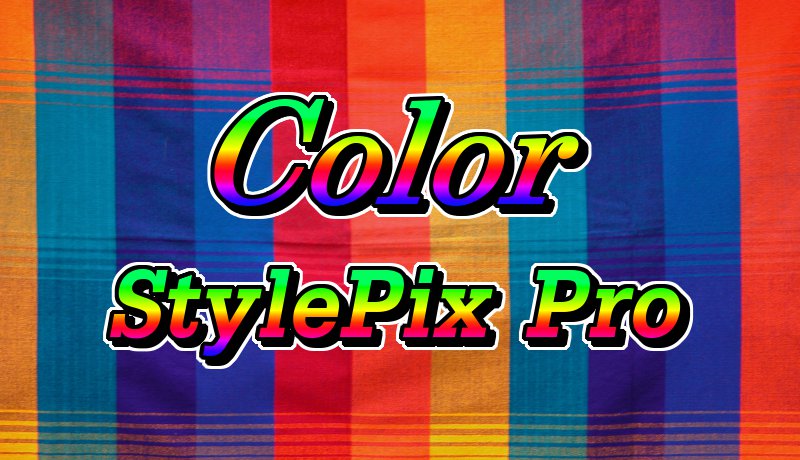
Color Open the attached file. Select “Select And Move” tool Select a desire styled layer. Select “Style” tool Choose Preset tab and click add(+) icon.
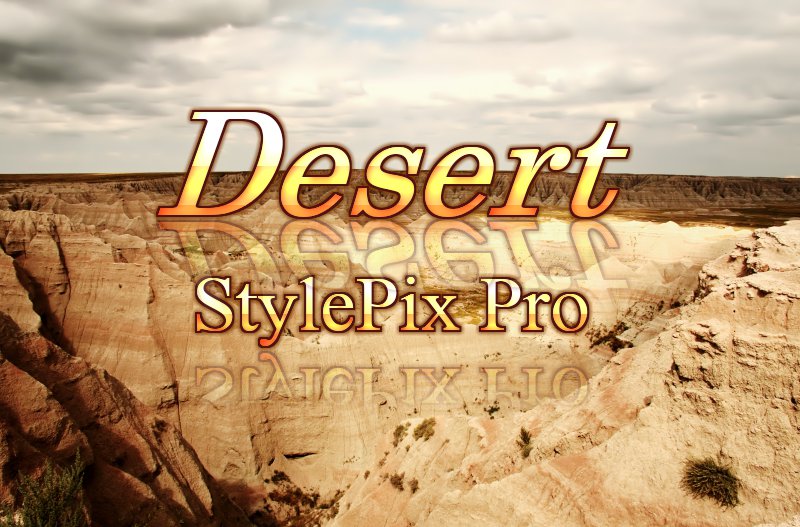
Desert Open the attached file. Select “Select And Move” tool Select a desire styled layer. Select “Style” tool Choose Preset tab and click add(+) icon.

Sky Open the attached file. Select “Select And Move” tool Select a desire styled layer. Select “Style” tool Choose Preset tab and click add(+) icon.
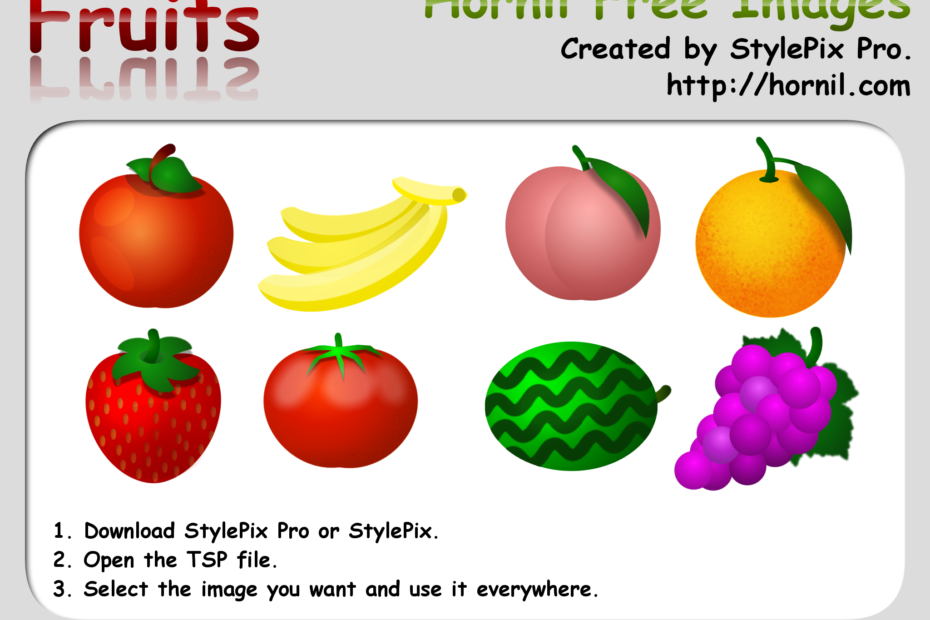
This image is used in the game on App Store. If you want to get more information, see the following links. Hornil free image You are allowed to copy, distribute, transmit the work and to adapt the work. Attribution… Read More »Hornil free image – fruits
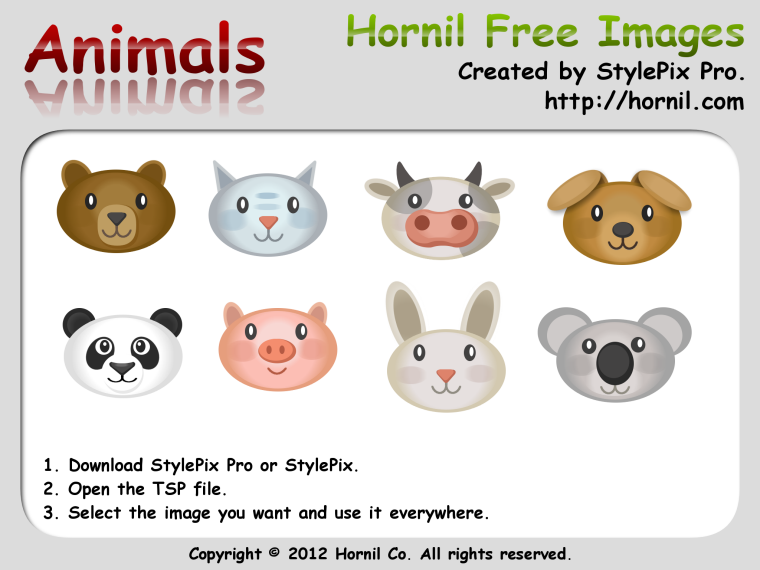
This image is used in the game on App Store. If you want to get more information, see the following links. Hornil free image You are allowed to copy, distribute, transmit the work and to adapt the work. Attribution… Read More »Hornil free image – animals

StylePix works well when color picture or grey picture is selected before scan. But when black-and-white picture or text is selected, no picture will be open after scan. The OS is win7 x64. Thx.