Color
Color Open the attached file. Select “Select And Move” tool Select a desire styled layer. Select “Style” tool Choose Preset tab and click add(+) icon.

Color Open the attached file. Select “Select And Move” tool Select a desire styled layer. Select “Style” tool Choose Preset tab and click add(+) icon.
Desert Open the attached file. Select “Select And Move” tool Select a desire styled layer. Select “Style” tool Choose Preset tab and click add(+) icon.

Sky Open the attached file. Select “Select And Move” tool Select a desire styled layer. Select “Style” tool Choose Preset tab and click add(+) icon.
Download Hornil StylePix Pro 1.10.0 Hornil StylePix 1.10.0 Changes Hornil StylePix Pro 1.10.0 Hornil StylePix 1.10.0
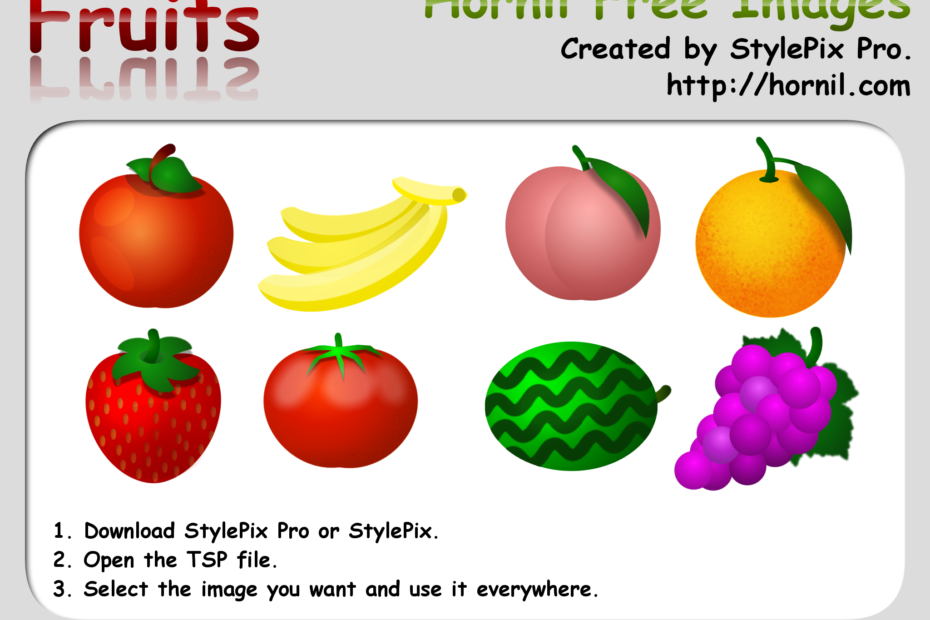
This image is used in the game on App Store. If you want to get more information, see the following links. Hornil free image You are allowed to copy, distribute, transmit the work and to adapt the work. Attribution… Read More »Hornil free image – fruits
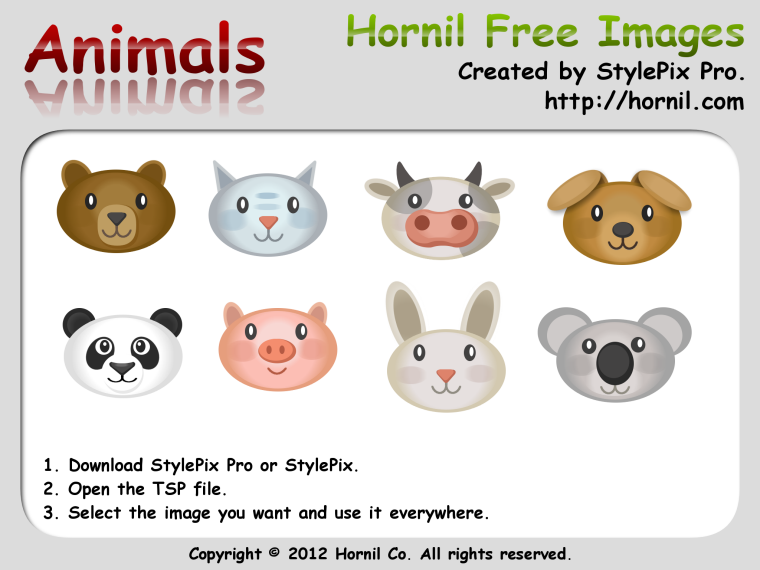
This image is used in the game on App Store. If you want to get more information, see the following links. Hornil free image You are allowed to copy, distribute, transmit the work and to adapt the work. Attribution… Read More »Hornil free image – animals
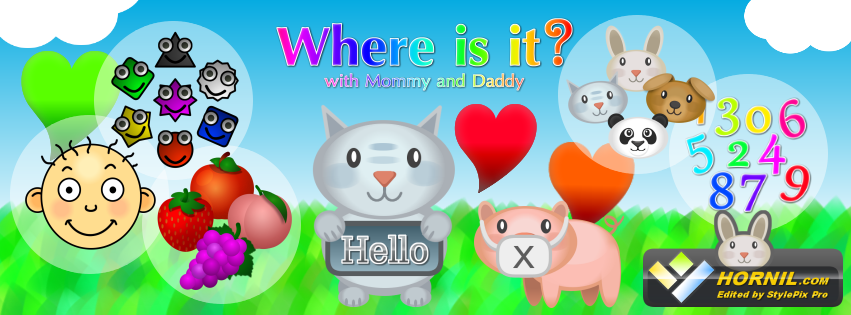
We are happy to inform you that Where Is It? our first educational app for toddler is available on App Store. Visit to http://goo.gl/i1PKw. All images in the game have been edited by StylePix Pro.
Download Hornil StylePix Pro 1.9.2 Hornil StylePix 1.9.2 Changes Hornil StylePix Pro 1.9.2 Hornil StylePix 1.9.2

StylePix works well when color picture or grey picture is selected before scan. But when black-and-white picture or text is selected, no picture will be open after scan. The OS is win7 x64. Thx.