Community

How to change the display language
You can change the display language of the program. Just do following: Choose your language from Menu: View > Option > Program > Display Language
Hornil StylePix Pro 1.12.2 and StylePix 1.12.2 are released.
Download Hornil StylePix Pro 1.12.2 Hornil StylePix 1.12.2 Changes Hornil StylePix Pro 1.12.2 Hornil StylePix 1.12.2
Posible to process images in StylePix from command line

I would like to know if it is possible to batch process images using command line parameters? TIA Yogi Yang
Hornil StylePix Pro 1.12.1.2 and StylePix 1.12.1.2 are released.
Download Hornil StylePix Pro 1.12.1.2 Hornil StylePix 1.12.1.2 Changes Hornil StylePix Pro 1.12.1.2 Hornil StylePix 1.12.1.2
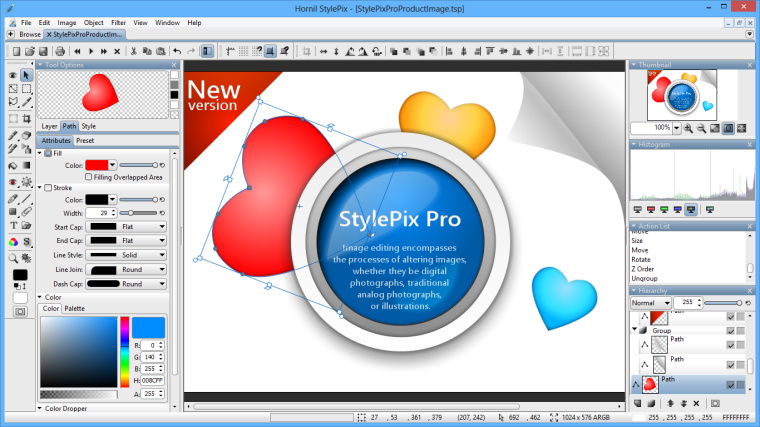
Hornil StylePix Pro 1.12.1 and StylePix 1.12.1 are released.
Download Hornil StylePix Pro 1.12.1 Hornil StylePix 1.12.1 Changes Hornil StylePix Pro 1.12.1 Hornil StylePix 1.12.1
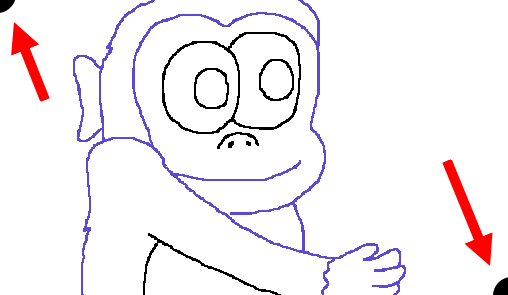
Help with fill tool
We apologize for your inconvenience. It is a bug. The bug will be fixed in the next version. To avoid the problem, do the following: Draws two black dots at the corner of the layer that painted monkey.
Now StylePix and StylePix Pro 1.12.0 Beta are available
Now StylePix and StylePix Pro 1.12.0 Beta are available. Meet the new brushes, gradients and styles and improved features. Try it before anyone else.