
Sky
Sky Open the attached file. Select “Select And Move” tool Select a desire styled layer. Select “Style” tool Choose Preset tab and click add(+) icon.
Hornil StylePix Gallery

Sky Open the attached file. Select “Select And Move” tool Select a desire styled layer. Select “Style” tool Choose Preset tab and click add(+) icon.
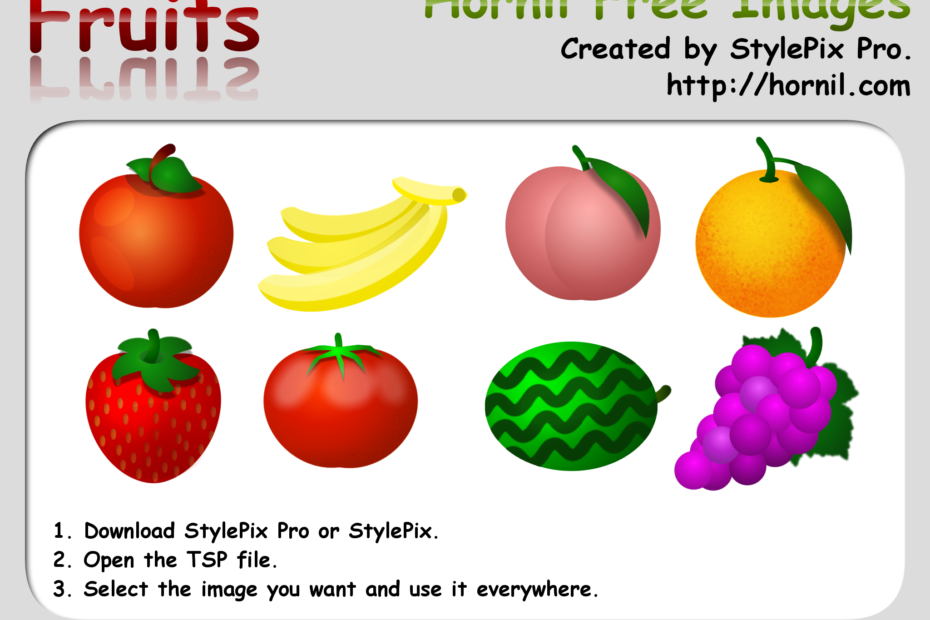
This image is used in the game on App Store. If you want to get more information, see the following links. Hornil free image You are allowed to copy, distribute, transmit the work and to adapt the work. Attribution… Read More »Hornil free image – fruits
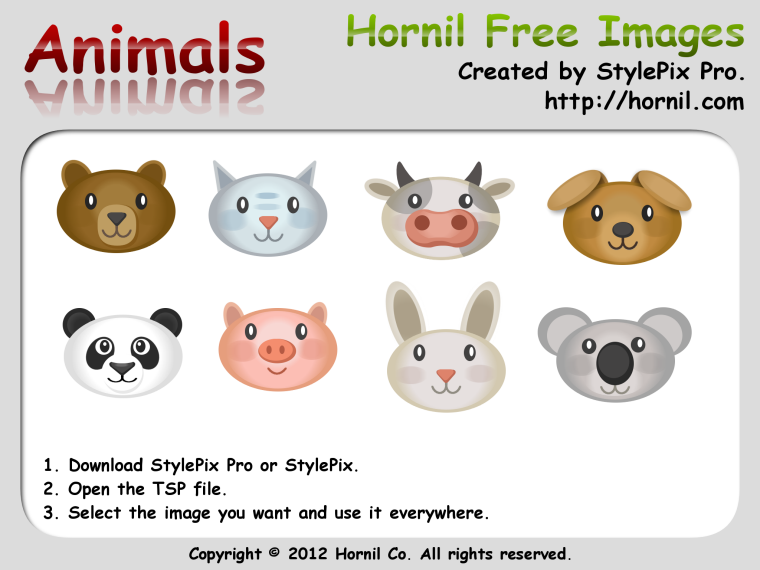
This image is used in the game on App Store. If you want to get more information, see the following links. Hornil free image You are allowed to copy, distribute, transmit the work and to adapt the work. Attribution… Read More »Hornil free image – animals