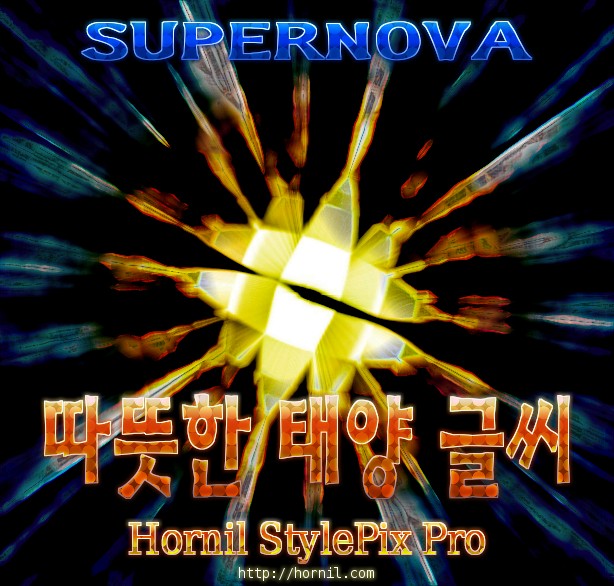
StylePix Pro Style 01
Do the following if you want to get this style. Download and Open the TSP file. Select the text layer. Choose the Style tab. Choose the Preset tab. Add a new Category(Optional) Click the Add(+) button.
훠닐 스타일픽스

Do the following if you want to get this style. Download and Open the TSP file. Select the text layer. Choose the Style tab. Choose the Preset tab. Add a new Category(Optional) Click the Add(+) button.


Just a test to show some of the features of this software. I hope the screencast can give you an idea of what you can do with it and helps you understand how I made this. The screencast is here: http://youtu.be/KDU_jIUT2xE
Just a test to show some of the features of this software. I hope the screencast can give you an idea of what you can do with it and helps you understand how I made this. Final image is a… 더 보기 »StylePixPro test with screencast


프로버전용 스타일 17 개입니다. 1개만 버튼(but1)이고, 나머지는 그냥 120px용 텍스트 스타일입니다. 설치 XP의 경우 C:Documents and Settings유저Application DataHornilStylePixProLibraryUserStyles VISTA나 WIN7의 경우 C:Users유저AppdataHornilStylePixProLibraryUserStyles 에 압축풀면 됩니다. 팁) 윈도우의, 시작 – 실행 에, %APPDATA% 치면, Application… 더 보기 »[프로버전용] 스타일 17개